Make it your rate card.
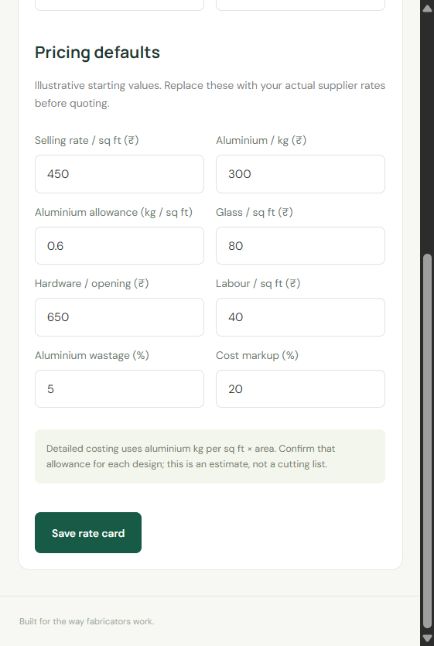
Set aluminium, glass, hardware and labour prices. Add wastage and your markup once, then adjust each quotation as needed.
Turn a few measurements into a clear, professional quotation. Your rates, your margin, and your entire workspace—in your pocket.
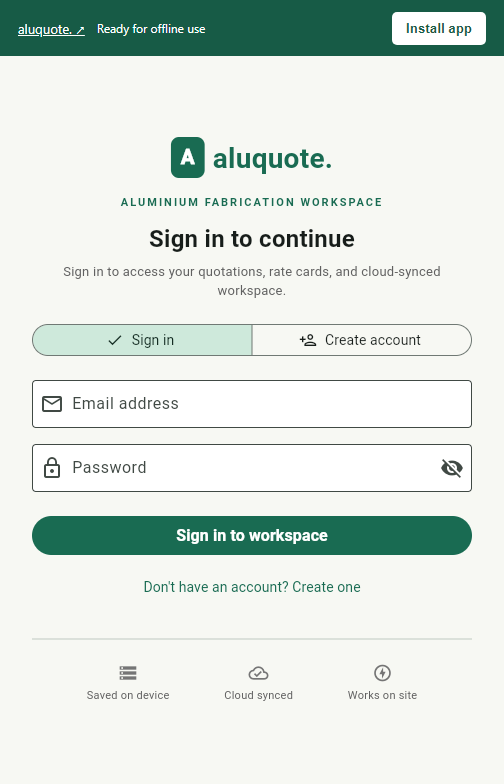
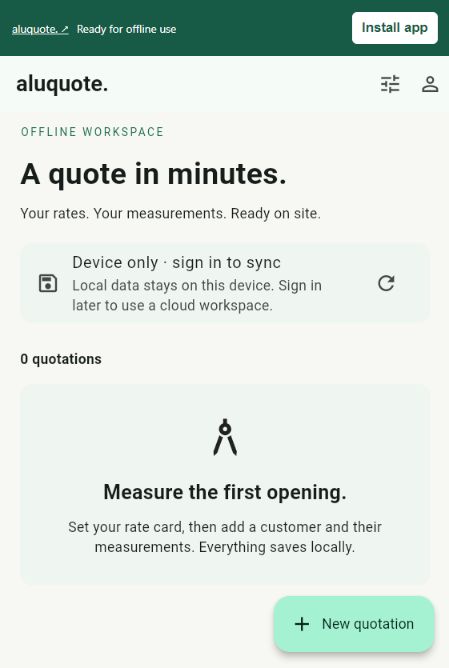
From the first opening to the final price, keep every detail in one place.
Set aluminium, glass, hardware and labour prices. Add wastage and your markup once, then adjust each quotation as needed.
Choose a window or door, enter width, height and quantity. Use feet, inches, millimetres, centimetres or metres.
Review the price, add your terms and export a PDF. Share it using WhatsApp, email or another app on your phone.
Take a closer look at the actual AluQuote workspace across your phone, tablet, and laptop.
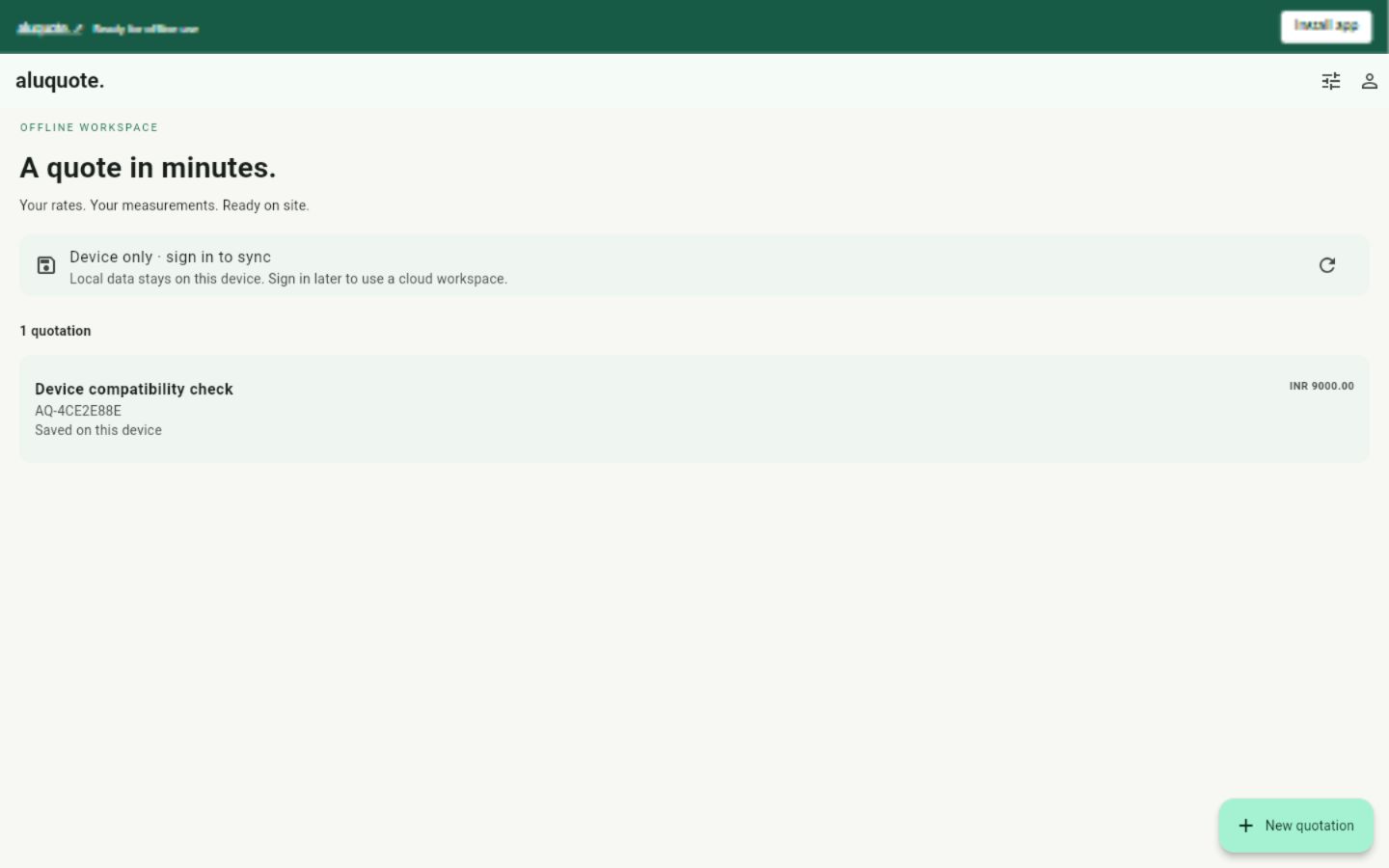
Create, edit and price quotations with no internet connection. Rates and customer details stay in the app’s local database.
Create an account, confirm your email and sign in to sync quotations and rates across the web app and Android devices. Changes sync while the app is open.
Install AluQuote on a laptop, phone or tablet.
No app store needed.
Use your quotation workspace on Windows, Mac or Linux. Open in Chrome or Edge, then choose Install app.
Open & install web app ↗On a Mac, Safari → File → Add to Dock is another option. If installation is unavailable in your browser, continue in a tab or open Chrome/Edge.
The same native app fits your phone or tablet. Download the signed APK directly from this website.
Download Android APK ↓Older 32-bit device? ARMv7 (15.7 MB) ↓
SHA-256: 3521cf3679d72d508134b79ef7bf2e64700ae10e7cc8124d3cd8fd0837d71b74For updates, install the newer APK over the existing app. Uninstalling first removes local data. You can also use the installable web app on Android.
Open the web app in Safari. Use Share → Add to Home Screen and enable Open as Web App if shown.
Open for iPhone / iPad ↗The Android APK is for Android devices. Use this web app on your iPhone or iPad.
For offline use, open the web app online once and wait for Ready for offline use. Sign in with the same account to sync quotations and rates between the web app and Android app while open and connected. Browser data and native device-only data stay separate until copied into your account. Clearing browser data can remove unsynced records; sync important work before doing so.
App won’t open? Repair app loading ↗ without clearing saved quotations.
Sign in or create an account first to access your workspace. Once signed in, you can work offline on site: quotations and rate cards save on your device and sync to the cloud whenever connected.
Choose a selling rate per square foot, or estimate aluminium weight using a kg-per-square-foot allowance, then add glass, hardware, labour, wastage and markup on cost. Verify allowances for your actual profiles and designs; this is not a cutting list.
Yes. Sign in with the same account on each device using the web app or Android app. Quotations and rates sync when the app is open and connected. Conflicting edits need your review. All documents save locally and sync to cloud. The browser demo remains separate.
Yes. Use the installable web app on a laptop, iPhone or iPad. Chrome and Edge offer installation on laptops; Safari offers Add to Home Screen on iPhone and iPad. Android phones and tablets can install the native APK or use the web app. Installation menus vary by browser.
Yes. Open the web app in a browser tab to sign in, create quotes, manage rates and sync. The original web demo is also available separately; its browser-local records do not sync.